



How to Make Safe Crypto Deposits on Spenda
Depositing crypto into your Spenda Naira wallet is fast, secure, and hassle-free, as long as you follow a few simple steps. Here's how to deposit safely, and what to do if a deposit seems delayed.
Only Use Supported Assets and Networks
Before you make any crypto deposit, double-check that:
- The asset you're sending is supported by Spenda.
- You're using the correct blockchain network.
- You're sending it to the right wallet address shown in your Spenda app.
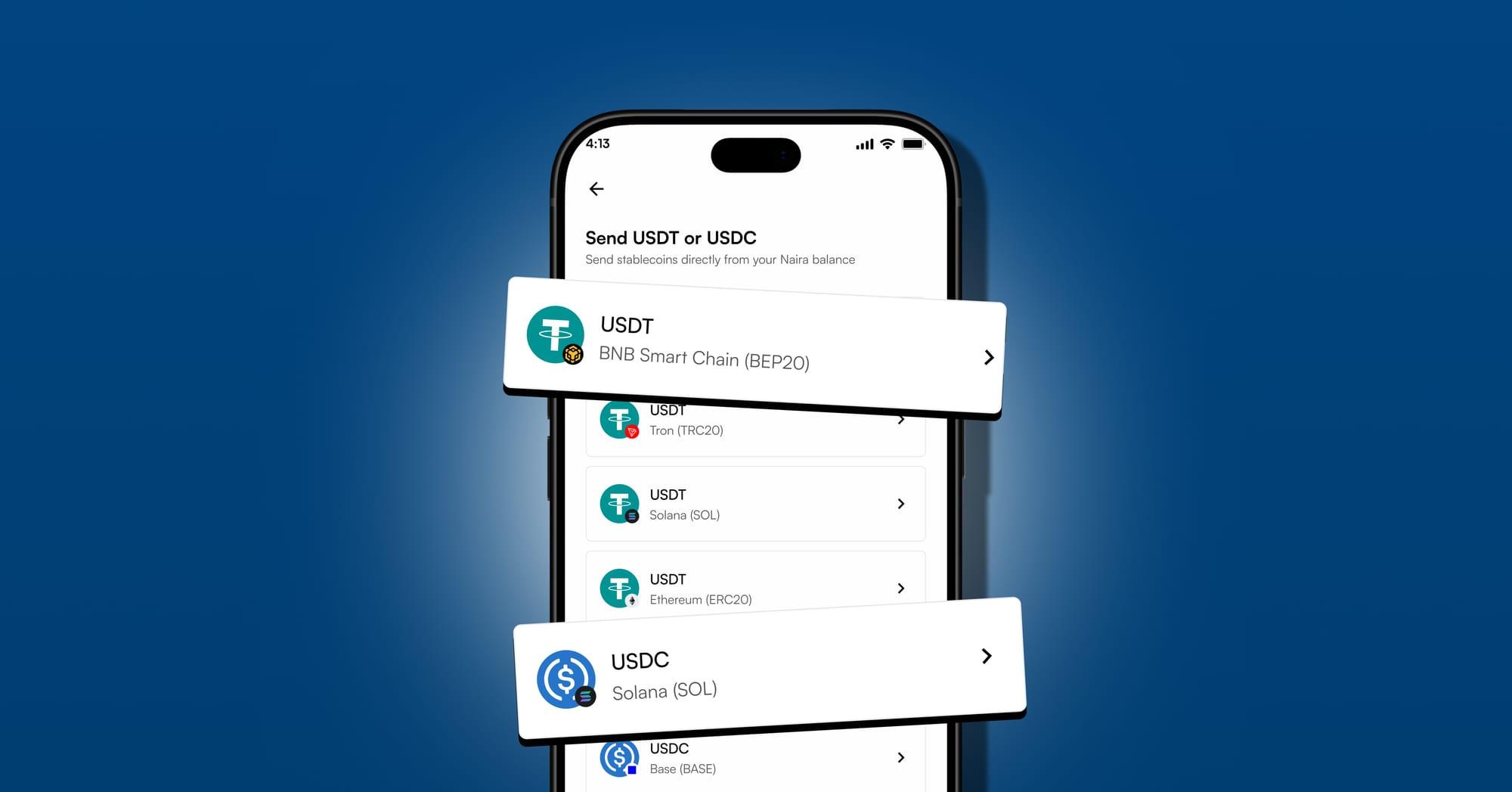
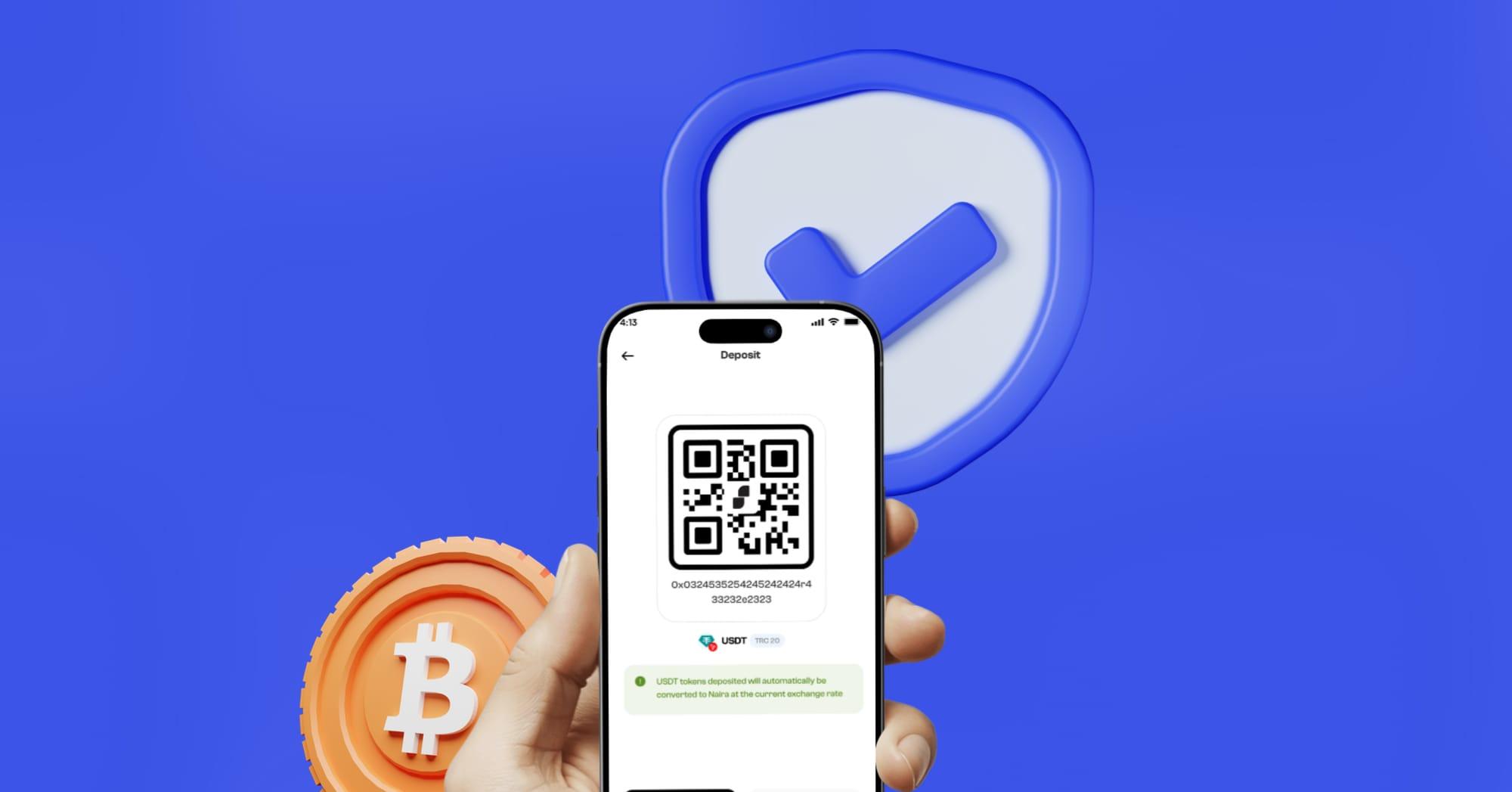
So before every deposit, take a moment to confirm that the token is officially supported, the network (e.g. ERC-20, Solana, BEP-20) is correct, and the wallet address matches what's shown in the Spenda app.
What Happens After You Send Your Crypto
Once you've sent a deposit, Spenda works behind the scenes to get your funds to you quickly and securely. Here's what the process looks like:
Incoming Deposit Notification
As soon as Spenda detects your transaction on the blockchain, you'll get an in-app notification that your deposit is incoming.
Blockchain Confirmations
Every blockchain requires a certain number of confirmations before a transaction is considered final. Spenda waits for these to make sure your funds are secure.
Deposit Credited Instantly
After the required confirmations, your deposit is credited to your Naira wallet instantly, and you'll get a "Deposit Successful" notification once it's done.
Why Some Deposits Might Take a Bit Longer
Spenda doesn't delay deposits, but blockchains can. If you're not seeing your deposit yet, it's usually because:
- The transaction is still pending confirmation.
- The sending platform (an exchange or wallet) is taking time to process the withdrawal.
- The network is congested.
How to Track a Deposit Before Contacting Support
If your deposit seems delayed, the first step is to track the transaction yourself.
Copy your transaction hash (TxID) from the sending platform.
Paste it into a blockchain explorer, such as Etherscan.io for Ethereum-based tokens, Solscan.io for Solana, or BscScan.com for Binance Smart Chain.
Check whether the transaction has been confirmed.
If it's still pending, wait for the confirmations. If it's confirmed but still not showing in your Spenda wallet, you're ready for the next step.
When to Contact Spenda Support About a Deposit Delay
Please reach out to customer support only after you've confirmed that:
- Your deposit is for a supported asset.
- You used the correct network and wallet address.
- The transaction has been fully confirmed on the blockchain.
- You have your transaction hash (TxID) ready.
If all of the above checks out and your funds still haven't appeared, contact our support team with your TxID and we'll investigate right away.
A Quick Note on Delays From Sending Platforms
Sometimes the delay isn't on the blockchain or with Spenda. If you initiated the transfer from a wallet or exchange and the transaction hash hasn't been generated yet, Spenda has no way of detecting it. Our system can only begin processing once the transaction is actually broadcast to the blockchain.
Still Need Help?
We're here for you. If you've done all the checks and still need assistance, don't hesitate to contact a Spenda support agent. Just make sure to have your transaction hash (TxID) ready to help us resolve it faster.
Final Tips for Smooth Deposits
- Always double-check you're sending the right token, on the right network, to the right address.
- Save your transaction hash immediately after sending.
- Use blockchain explorers to track progress yourself before raising a concern.
- Give the blockchain some time, especially during busy network periods.
At Spenda, your security and peace of mind come first. Following these simple steps can help keep your deposits safe, fast, and stress-free.
Ready to Top Up Your Wallet the Smart Way?
Open your Spenda app and deposit with confidence.
Get Started Now